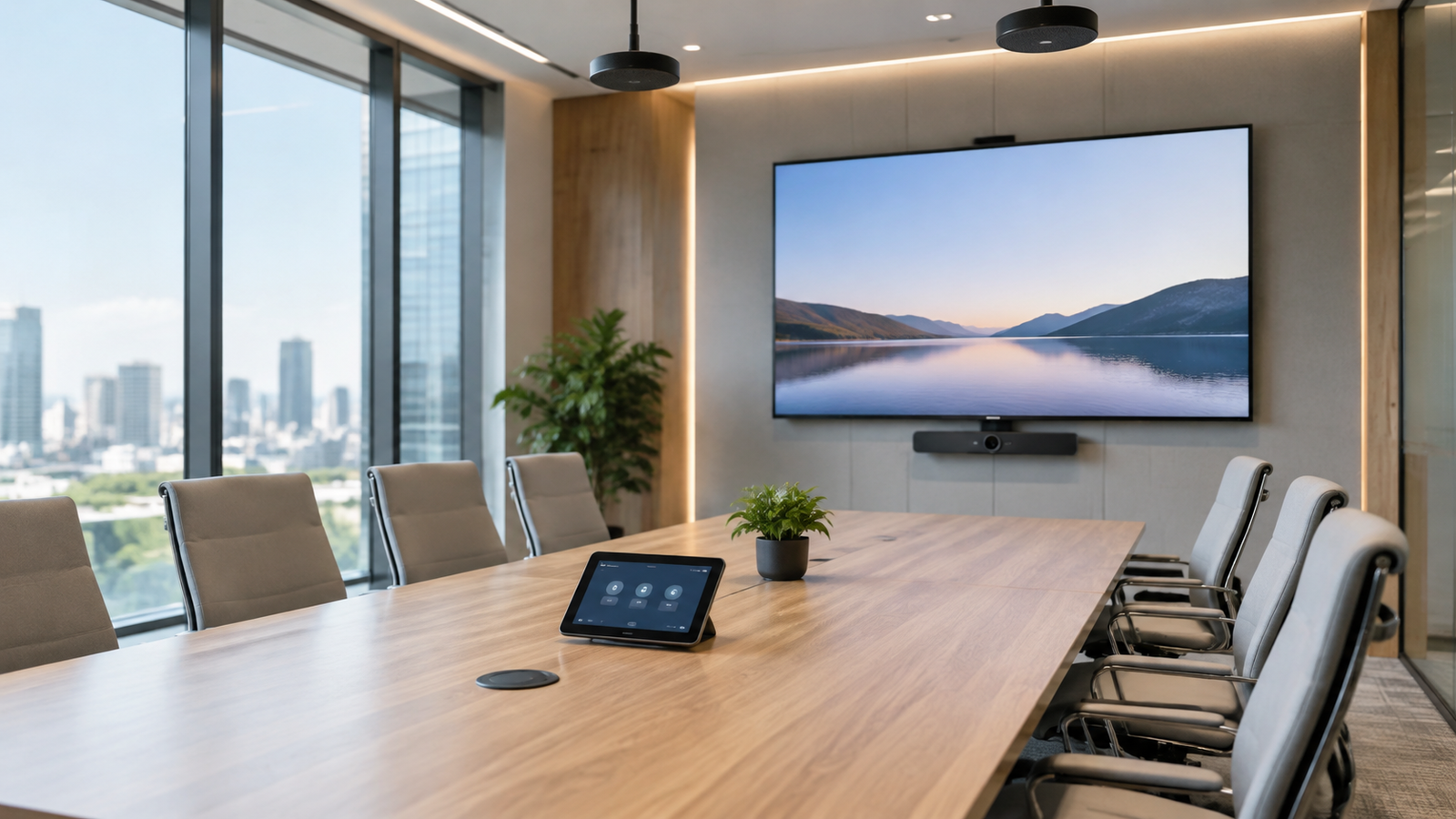

A smart meeting room is more than a screen and a microphone. It is a complete system: audio, video, network and control. If it is not designed well, meetings fill up with problems: echo, weak picture, or trouble connecting. Many companies spend a large budget on a premium screen and then discover that audio is what actually breaks their meetings. This guide walks through the components one by one, with a practical checklist before and after implementation.
What Is a Smart Meeting Room?
A room equipped with audio, video, display and control systems that make in-person and remote meetings easy, usually integrated with platforms such as Microsoft Teams and Zoom. The goal is that any employee walks in and starts the meeting within a minute, with no technician and no tangled cables.
Defining the Room’s Needs Before Design
- Number of people and room size.
- Type of meetings (internal, with clients, training).
- Remote meetings and how often they happen.
- Budget and future expansion.
These four points decide every choice that follows. A six-person room for internal meetings is not the same as a twenty-person training hall with remote clients; the first needs a simple focused setup, the second needs wider audio and video coverage.
Choosing the Screen and Display Size
Screen size depends on the room area and the distance of the farthest person. An interactive screen helps with presentations and live annotation, but it is not necessary for every room; if your use is presentations and video meetings only, a good display is enough, and if you want to write and draw on the screen in workshops, interactive is worth it.
Cameras and Shooting Angles
Choose a camera that covers all participants at a suitable angle. A camera that suits a small room may not be enough for a large hall. And note that camera placement matters as much as the camera type: a camera far from eye level gives the other side an uncomfortable angle.
Microphones and Speakers
Audio matters more than video; the other side may tolerate a mediocre picture, but it will not tolerate choppy audio or echo. Make sure the microphones cover every participant and the speakers are balanced to avoid echo. In glass rooms or rooms with hard surfaces, remember to treat echo in the design, because it is a very common problem.
Wireless Presentation and Sharing Systems
They let participants share their screens without cables. Ask about compatibility with company devices, and about how easily guests whose devices are outside the company system can connect, because this specific point wastes many meeting minutes if it is not solved from the start.
Integration with Teams and Zoom
Make sure the equipment supports the platform your company uses and that setup allows joining a meeting with one touch. Proper integration means the scheduled meeting appears on the room display and the employee presses one button to join, instead of ten minutes of setup before every meeting.
Central Control
One control panel runs the screen, sound, lighting and blinds, and makes the room simple for non-specialists. For more on connecting systems: How to Connect Awnings and Blinds to Your Smart Home System?.
Required Network and Electricity
- Stable wired network points.
- Wireless coverage that works well.
- Enough concealed power points.
- Organized cable paths.
Do not underestimate this item; most “technical” meeting-room problems actually trace back to a weak network or messy cabling, not to the display equipment itself.
Components Summary Table
| Component | Its role | Key selection point |
| Screen | Display and presentations | Size suited to the farthest participant |
| Camera | Carries the picture of attendees | Angle covering all participants |
| Microphones and speakers | Clear audio | Full coverage without echo |
| Wireless sharing | Shares screens without cables | Compatibility with company and guest devices |
| Central control | Runs all systems | Simplicity for non-specialists |
Checklist Before Implementation and Handover
- Define the need and budget.
- Visit the room and measure it.
- Approve the design and equipment list.
- Prepare network and electricity.
- Install and program.
- Test audio and video with Teams or Zoom.
- Train users and hand over the project.
Do not accept handover before a full real meeting test: call someone outside the company, try the audio, picture and wireless sharing, and run the scenario exactly as employees will use it.
Common Mistakes in Setting Up Meeting Rooms
- Buying a large screen without planning the sound.
- Ignoring room echo.
- A camera that does not cover all participants.
- Random visible cabling.
- Settling for a quick test without a real trial meeting.
A Practical Example: A Meeting Room for a Medium Company
A company of thirty employees has a meeting room for eight people, with most of its meetings held weekly with remote clients over Teams. The right setup here: a display sized for the farthest seat, a wide-angle camera covering the whole table, a ceiling or table microphone covering all participants, simple wireless sharing, and one control panel. There is no need here for a large interactive screen or hall-grade audio; spending the budget on good audio first beats spending it on extras.
Maintenance and Support After Handover
Agree on the support model from the start: who responds when something fails before an important meeting? Is there a maintenance contract covering updates and periodic checks? A meeting room whose screen fails before a board meeting costs more than any single part in it, so do not skip this item when contracting.
Frequently Asked Questions
Do I need central control?
It is useful for rooms used by many people, because it simplifies operation and reduces mistakes.
Can a small room be equipped?
Yes, with simpler solutions suited to the space; a small room may be fine with a good display, camera and all-in-one microphone.
How long does implementation take?
It depends on the room size and equipment availability, and the company defines it after the site visit.
Can an existing room be upgraded without demolition?
In most cases yes, with wireless solutions and tidy cabling, and the details are set after a site visit.
What is the one item I should not economize on?
Audio; the meeting experience depends on it more than on any other element.
Want to Equip Your Meeting Room?
Contact Steam Trading for a room visit and a suggested solution.