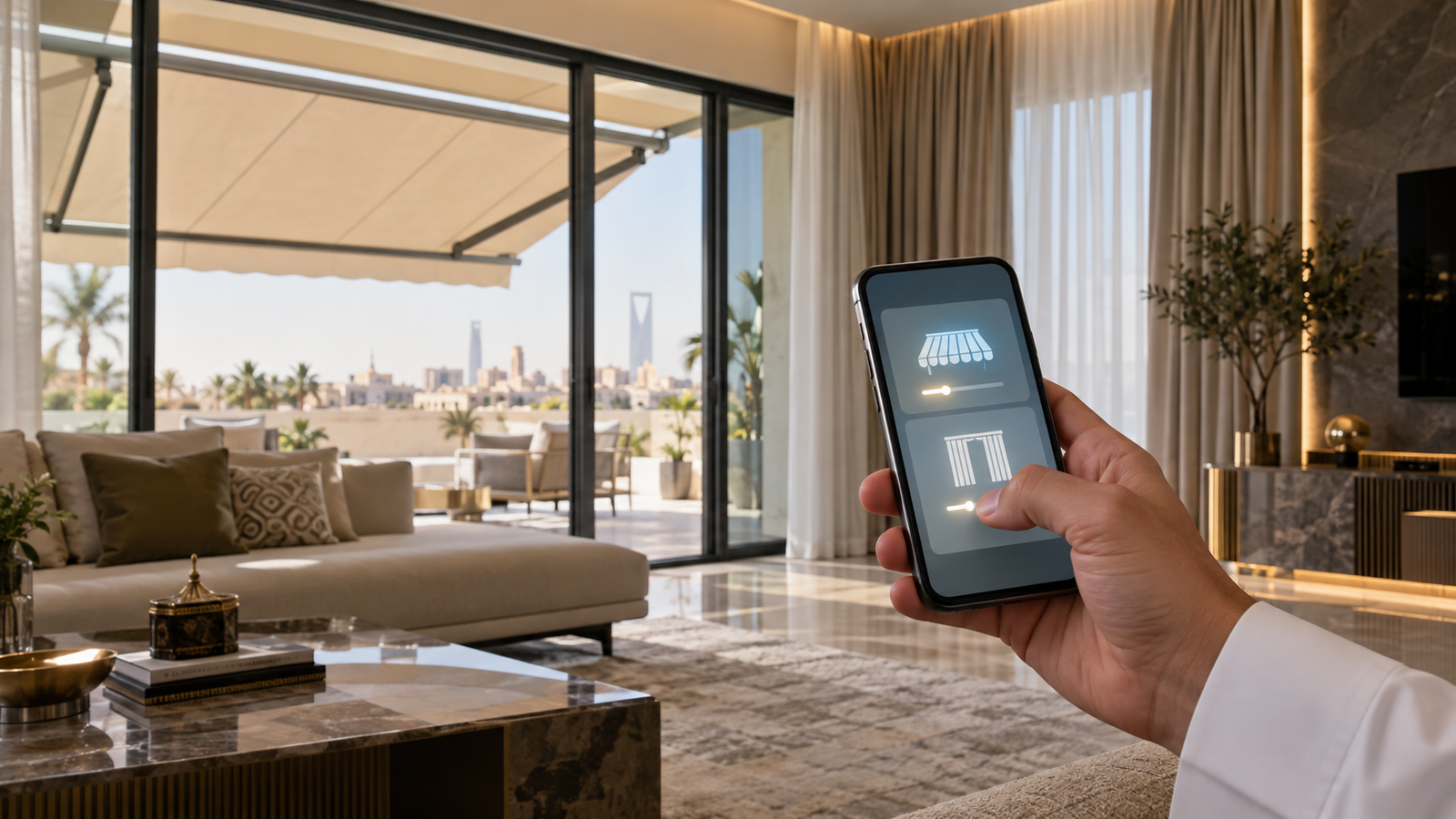

When you hear the term Smart Home, you probably think of lighting, air conditioning, and cameras.
But shading systems such as electric awnings, blinds, and electric windows can also be an important part of a smart home.
The idea is not just opening a blind from your phone.
The real benefit appears when the systems start working together according to defined scenarios.
For example, you can have a group of blinds close at a set time, control the awnings from your phone, or bring more than one system into a single control interface, depending on device compatibility.
But how is the connection done? And are all awnings and blinds compatible?
Let us explain.
What Does Connecting Awnings and Blinds to a Smart Home Mean?
It means adding movable shading systems to a Home Automation setup so they can be controlled through a central system.
Instead of having:
A remote for the awning
and
A remote for the blind
and
A switch for the window
you have one central control system, if the devices and protocols are compatible.
Which Systems Can Be Part of a Smart Home?
Depending on the project and compatibility, they can include:
- Electric roller blinds.
- Electric awnings.
- Electric windows.
- Outdoor curtains.
- Adjustable shading systems.
- Sensors linked to the systems.
And here we need to pay attention:
Not every electric product is automatically Smart.
The system must be integration-ready, or a suitable control unit must be used.
What Is the Benefit of Connecting Them?
Control from Your Phone
Instead of getting up, you can control the systems from the app if the system supports it.
Central Control
You can bring a group of devices under one system.
Smart Scenarios
This is one of the most important advantages.
For example:
Leaving-home scenario
Closing the blinds and awnings according to the settings.
Morning scenario
Opening some blinds gradually.
Cinema scenario
Closing the blinds and dimming the lights.
Can I Control Them Remotely?
Depending on the system and the connection used, remote control from your phone is possible.
This is useful if you are away from home and want to check the status of some systems.
But it depends on:
- The control unit.
- The internet connection.
- The app.
- System compatibility.
Does It Work with Voice Commands?
Some Smart Home setups support integration with voice assistants.
But you cannot assume any blind or awning works by voice directly.
You need to confirm compatibility between the system and the devices.
What Does “Central Control System” Mean?
It means having one point or platform that brings together more than one device.
Instead of:
Blind 1 → remote
Blind 2 → remote
Awning → remote
it becomes:
Smart Home Controller → the devices
This makes control easier, especially in large villas.
Can I Connect More Than One Blind?
Yes, depending on the system.
You can divide the blinds into groups.
For example:
Ground floor
One group.
Bedrooms
A second group.
The majlis
A third group.
That way you can control a group instead of each blind separately.
What Is the Role of Sensors with Awnings?
Sensors can be part of the automation setup.
For example, depending on the system type, data such as the following can be used:
- Light.
- Heat.
- Wind.
- Time.
To execute defined scenarios.
But the system must be designed carefully.
Especially outdoor awnings, because wind is an important factor.
Can the Awning Close Automatically in Wind?
Some systems can be designed to respond to sensors or defined scenarios, but this depends on the awning type, the motor, the control unit, and the sensors.
And having a Smart Home does not mean every awning closes automatically and safely without a suitable design.
Safety must be part of the design from the start.
Are All Electric Awnings Connectable?
No.
This is one of the most important points.
An awning can be electric but not equipped to integrate with a particular Smart Home system.
So before buying, ask:
Does the motor support integration?
What protocol does it use?
Is there a Gateway or Controller?
Which systems is it compatible with?
What About Blinds?
Same idea.
An electric blind ≠ necessarily a Smart blind.
The difference is the ability to connect and be controlled by the smart system.
So if your goal is a Smart Home from the start, tell the supplier this before choosing the motor.
When Should I Plan for a Smart Home?
The best time is before completing the electrical work and final finishes.
Because early planning makes it easier to handle:
- Wiring.
- Control unit locations.
- Power points.
- Motor distribution.
- Device connection.
- Scenarios.
But if you install everything and then decide to add a Smart Home, you may need additional modifications.
Can I Add a Smart Home to an Existing Building?
In some cases, yes.
Especially if the current systems are connectable or suitable wireless solutions exist.
But it depends on:
- The current system.
- Motor types.
- The electrical setup.
- Control units.
- The communication protocol.
So an existing building needs an assessment before defining the solution.
A Practical Example for a Saudi Villa
Imagine you have a villa with:
- Roller blinds in the majlis.
- An electric awning in the courtyard.
- An electric window in the seating area.
- Blinds in the living room.
You can design a scenario:
“Evening mode”
Close the indoor blinds to a set percentage, adjust the awning according to use, and turn on the outdoor lighting.
Instead of controlling every device separately.
And this is the difference between separate electric devices and a Smart Home system.
Does Connection Increase the Cost?
Yes, adding a Smart Home usually adds cost compared to a standalone electric system.
Because you may need:
- A Controller.
- A Gateway.
- Sensors.
- Programming.
- Integration.
- Additional wiring.
But the value depends on the project’s size, the number of devices, and the scenarios required.
Is It Worth the Cost?
In a small villa with two blinds, the addition may be unnecessary.
But in a large villa with dozens of blinds, awnings, and windows, central control can be more useful.
Especially if you are already building a complete Smart Home.
Common Mistakes When Connecting Awnings and Blinds
Buying the Devices First, Then Thinking About Integration
The right approach is to define the central system first.
Assuming All Devices Are Compatible
You must verify compatibility.
Ignoring Sensors
Especially for outdoor awnings.
Postponing Planning
The earlier the planning, the easier the execution.
Neglecting After-Sales Service
A Smart Home needs support, maintenance, and updates, depending on the ecosystem.
How Do You Choose the Execution Company?
Ask about:
- The systems they support.
- Motor types.
- Protocols.
- The control method.
- The phone app.
- Integration with existing systems.
- Sensors.
- Programming.
- The warranty.
- Support after installation.
And do not focus on the name “Smart Home” alone.
Ask about which system will actually run in your home.
Conclusion
Connecting awnings, blinds, and windows to a smart home gives you better control, but it needs planning from the start.
And the most important point:
Not every electric device counts as Smart.
Before buying, confirm compatibility between the motors, the control unit, and the platform you will use.
And if the project is new, plan for the Smart Home before the final finishing stage.
Frequently Asked Questions
Do all electric awnings work with a Smart Home?
No. The motor or control system must be integration-ready for the ecosystem in use.
Can I control the awnings from my phone?
Yes, if the system supports app control and the required connection.
Can I control more than one blind?
Yes, depending on the control system, blinds can be grouped and controlled as groups.
Can I add the system to an existing villa?
In some cases it is possible, depending on the existing devices and the possibility of connecting them.
Does it need a specialized technician?
Integration should preferably be done by a technician or company experienced in automation and shading systems, especially in large projects.
Want to Connect Your Shading to a Smart Home?
If you are building a new villa or upgrading your smart home system, it is best to plan the awnings, blinds, and windows from the start within one ecosystem.
Explore STeam solutions for shading and electric systems and let the design start from the project’s needs, not from choosing a standalone device.